
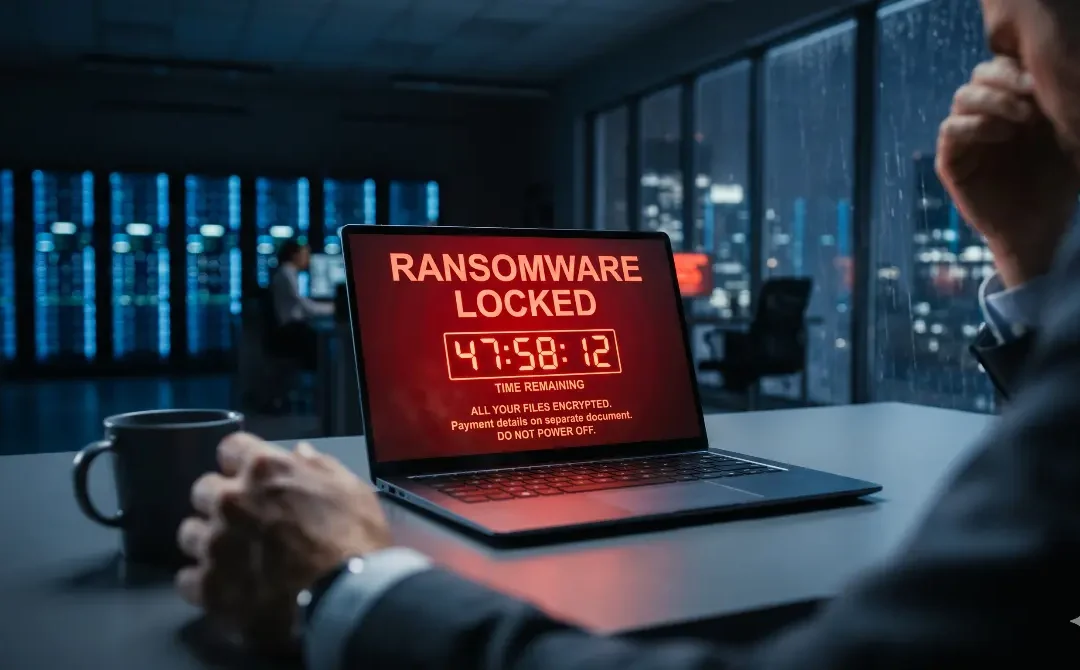
60% of SMEs that suffer a critical cyberattack close their doors within 6 months.
A ransomware attack (malicious software that "kidnaps" your data and demands a financial ransom to return it) is currently the number one threat to mid-sized companies globally.
The most dangerous aspect of this attack is not its technical sophistication, but its high effectiveness: a single click from an employee on the wrong email can bring your entire operation to a halt. This article explains in plain language how it works, how to prevent it, and most importantly, what to do if you are in the middle of a crisis.
What is Ransomware? (An Analogy Without the Tech Jargon)
Imagine arriving at your office on a Monday morning to find that all your company's filing cabinets, contracts, and computers have been locked inside a giant safe with an unknown combination. On your desk is a note that reads: "Pay $10,000 in Bitcoin and we'll give you the combination."
That is exactly what ransomware does, but digitally. Malicious code encrypts (locks) all your files using a military-grade algorithm that is virtually impossible to reverse without the original key. Without that key, your customer databases, electronic billing systems, accounting, and daily operations remain indefinitely inaccessible.
How Does Ransomware Enter a Company? The 3 Main Vectors
- Email (Phishing): 91% of attacks start here. An employee receives an email that looks 100% legitimate: a fake invoice, a bank notification, or a supposed tax alert. By opening the attachment, the malware installs silently.
- Exposed Remote Access (RDP): Many IT teams enabled remote desktop connections during the pandemic without the necessary hardening. Attackers test thousands of passwords per minute until they breach your servers from the internet.
- Outdated Software: Servers operating on old systems (like unpatched Windows Server editions) are easy prey. An attacker can compromise them in minutes without any human clicking on anything.
The Attack Cycle: It Doesn't Happen in a Second
A modern ransomware attack is not instantaneous. It has silent phases that can last weeks:
- Access and Reconnaissance: The attacker enters and maps your network quietly.
- Privilege Escalation: They seek to obtain Administrator permissions.
- Hunting for Backups: They locate your backups to destroy them first.
- Mass Encryption: They trigger the lockdown on all machines simultaneously (usually in the early hours of a weekend).
BEFORE the Attack: 5 Mandatory Preventive Measures
- Isolated Backups (3-2-1 Rule): Automated backups, with at least one copy in the cloud or offline where ransomware cannot reach it.
- Patch Management: Systematic updating of operating systems, antivirus, and firewalls.
- Network Segmentation: Your main database server should not be on the same flat network as the guest WiFi or reception PCs.
- Multi-Factor Authentication (MFA): Mandatory two-step verification for all remote access or VPNs.
- Human Training: Train your staff to be skeptical of emails conveying financial urgency.
DURING the Attack: What to Do in the First 15 Minutes
If you see the red ransom screen on a computer, reaction speed dictates whether your company survives or not.
What you MUST DO immediately:
- Disconnect the network: Unplug the internet cable from infected machines or turn off the main switch, but DO NOT turn off the computer.
- Call the experts: Contact your IT support provider or cybersecurity team.
- Isolate: Identify which servers are still healthy and isolate them immediately.
What you must NEVER DO:
- ❌ Do not pay the ransom immediately: It does not guarantee data recovery and funds criminal mafias.
- ❌ Do not abruptly shut down servers: You will erase key information from RAM, ruining subsequent forensic analysis.
- ❌ Do not attempt to use free recovery software: They usually permanently corrupt the encrypted files.
AFTER the Attack: The Mistake Everyone Makes
Post-incident recovery doesn't end with restoring a backup. The phase companies often skip is Forensic Analysis. If you don't discover exactly which "door" (vulnerability) the attacker used, restoring your data will only result in it being held for ransom again the following week.
Is it worth paying the ransom?
The FBI, Europol, and cybersecurity agencies strongly advise AGAINST paying. The data is clear:
- 40% of companies that pay never receive the decryption key.
- 80% of those who pay suffer a second attack within 12 months (they are marked as "willing to pay").
Conclusion: The Role of Preventive IT Support
The difference between a company that survives a ransomware attack and one that goes bankrupt is measured by the preparedness of its technical team. Specialized IT support contains the damage before it spreads and guarantees that backups work the day you need them most.
Would your company survive a ransomware attack tomorrow? If the answer is "I don't know," it's time to act. At MobileData Solutions, we offer a Free Cybersecurity Assessment to evaluate your real exposure level.
📩 Contact us and request one of our 10 monthly spots to shield your operations.